BrickBuildBattle
Build a robot from bricks. Fight it in the arena.
One-on-one robot fights in your browser, against the computer or other players.
Play now needs no account: build and fight the computer straight away. Online play needs an account, made with an invite code.
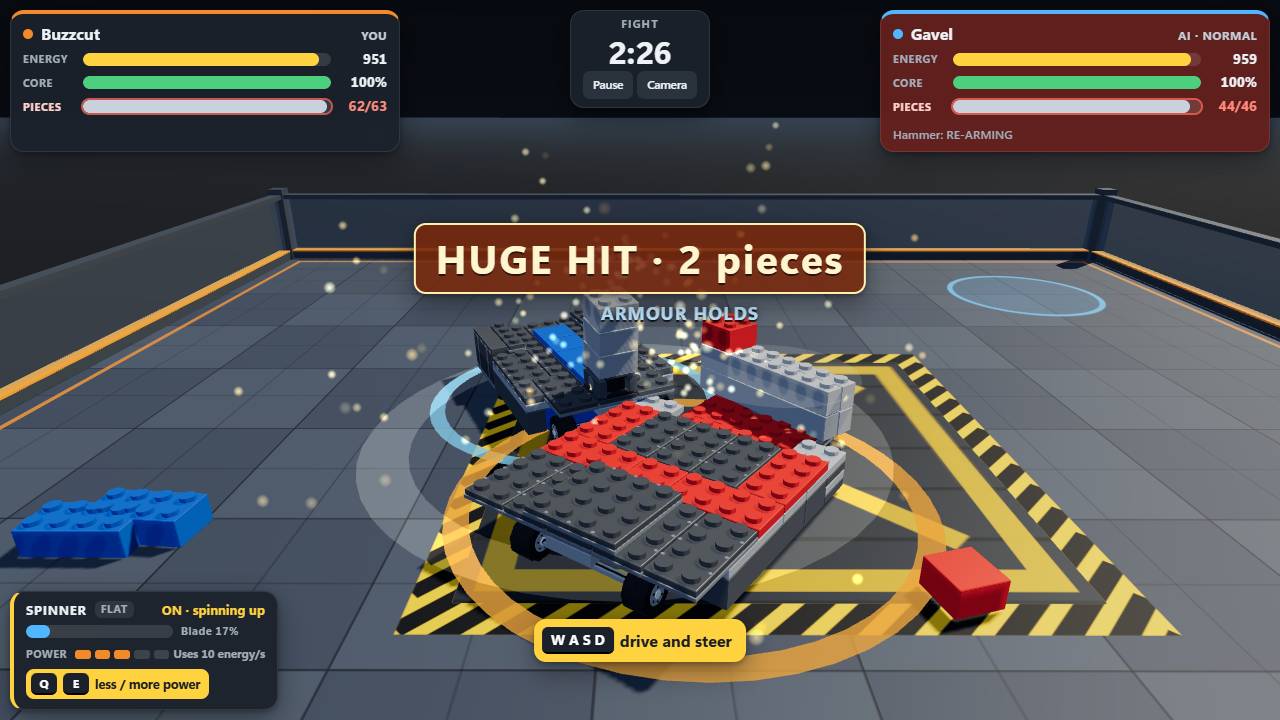
How to play
-
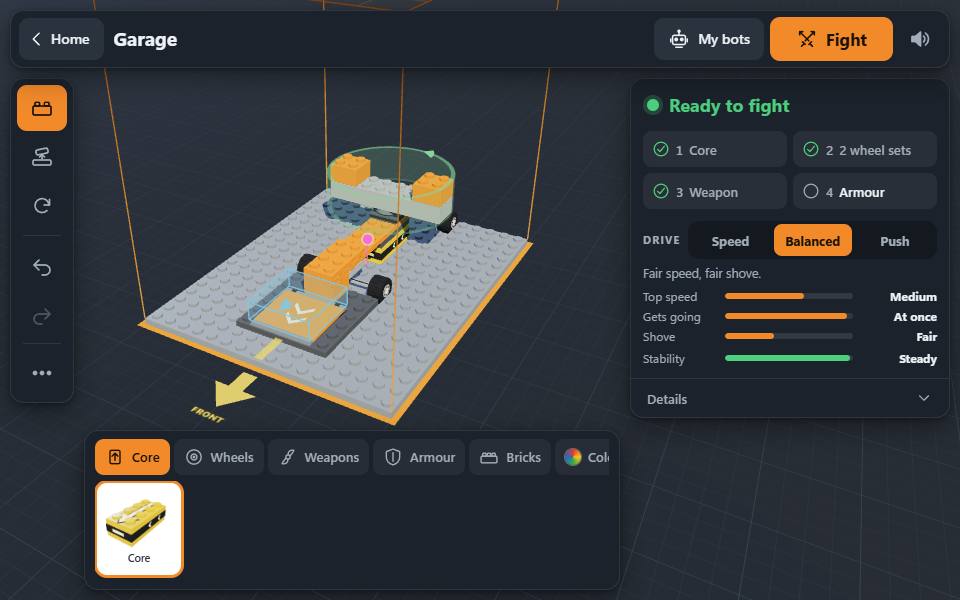
Build
Put a bot together in the garage from bricks, wheels, armour and weapons, or start from a ready-made one. The checklist says when it is ready to fight.
-
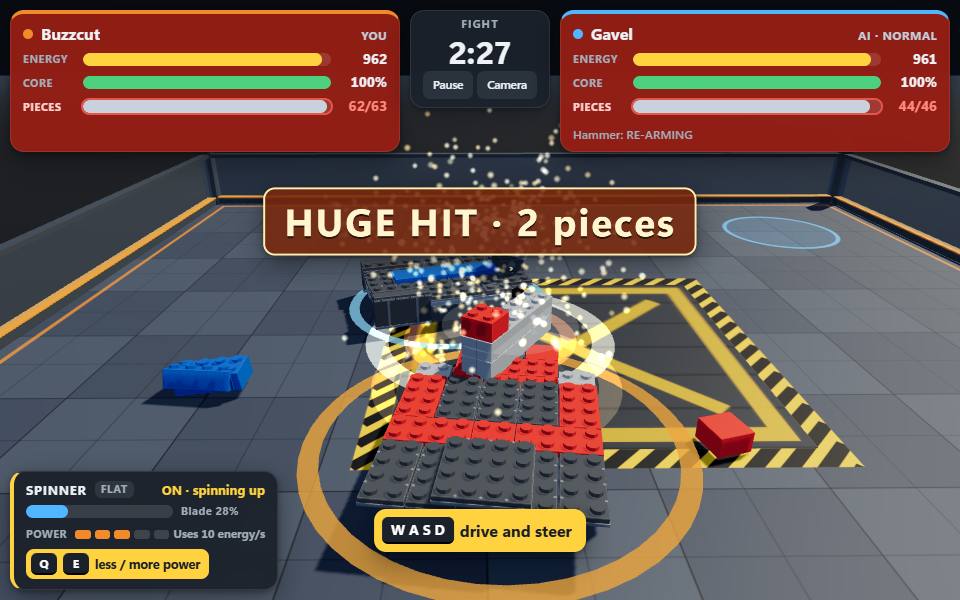
Fight
Drive into the arena against the computer or another player. Hit hard, keep away from the other weapon, and watch your energy.
-
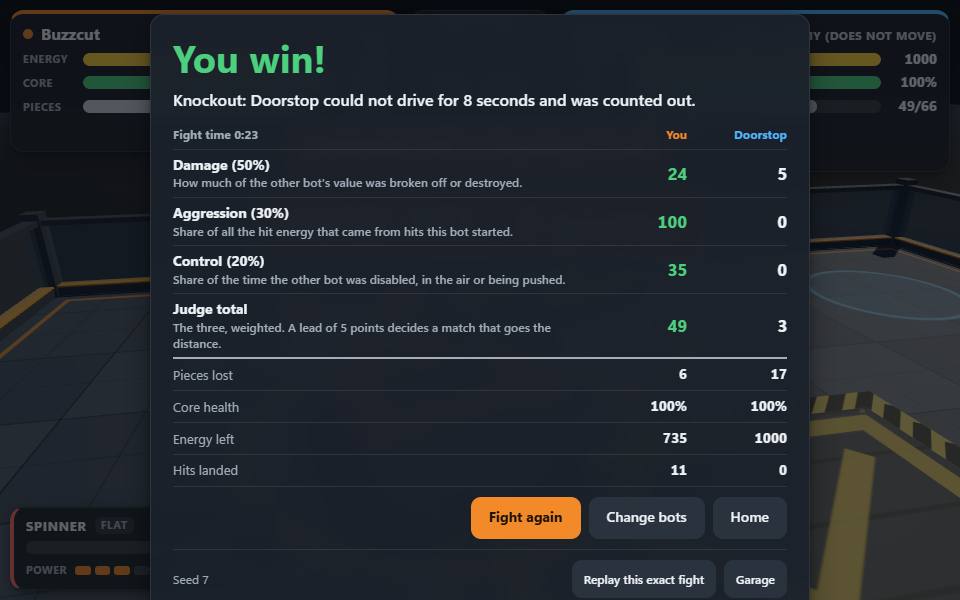
Win
Knock the other bot out, or do more than it does before the clock runs out. Then change your bot and go again.
New to it? The game has a short training bout: four lessons, about 2 minutes.
What a fight is
A fight lasts 2½ minutes (up to 3 minutes with sudden death). Knock the other bot out, or do more than it does before the clock runs out.
Four ways to win
- Core destroyed Hits knock pieces off. Destroy the other bot's core and it is knocked out.
- Counted out A bot that cannot drive for 8 seconds (tipped over, stuck or without wheels) loses.
- Out of the arena Thrown over the wall, or into the pit that opens for the last 75 seconds: out.
- The judge When the clock runs out, the judge scores damage (50%), aggression (30%) and control (20%). Too close to call: 30 seconds of sudden death.
Energy
Every bot starts with 1000 energy. Driving and weapons use it; more weapon power (E / Q) hits harder and drains faster. At 0 the weapons stop and the bot drives at 60% speed.
Gears
Each bot drives in one of three gears, chosen in the garage:
- Speed Faster, with less shoving force. Rams hit harder; driving drains the battery faster.
- Balanced The middle: fair speed, fair shove.
- Push Slower, but stronger: wins shoving matches and turns a little quicker.
Controls
A keyboard, a touch screen or a gamepad. The game shows the controls of the one you use, and you can pause a practice fight at any time.
| W A S D | Drive and turn (or the arrow keys) |
|---|---|
| Space | Weapon 1 (or J) |
| Shift | Weapon 2 (or K) |
| E Q | Weapon power up / down |
| R | Self-right when tipped over |
| C | Switch camera |
| Esc | Pause (or P) |
| Stick | Left thumb: drive and turn |
|---|---|
| 1 2 | Right thumb: weapons |
| + − | Weapon power up / down |
| Get up | Self-right when tipped over |
| Left stick | Drive and turn (or the d-pad; RT and LT also drive) |
|---|---|
| A | Weapon 1 |
| X | Weapon 2 (or B) |
| RB LB | Weapon power up / down |
| Y | Self-right when tipped over |
On a phone, turn it sideways for a wider view.
Join online
Practice and the garage need no account. To fight other players you need one, and signing up takes an invite code.
-
Get an invite code
Ask someone who already plays. Every player has one code to share; they find it, with a link to send you, on their account page in the game. A code looks like
ABCD-EFGH-JK. -
Sign up
Choose a username (3 to 16 letters, digits or _; not your real name) and a password of at least 10 characters, and type the code. If the code is not accepted, check it with the person who gave it to you: a player can replace their code, and the old one then stops working. You get a recovery code: keep it, it is the only way back in if you forget your password.
-
Pick a bot and fight
Take a ready-made bot or one you built, then find a match: the next player looking for one, or a friend in a private room.
Questions
Is it free?
Yes. Nothing in the game is for sale, and there are no ads.
Do I need an account?
Not to build or to fight the computer: that works without one, and without a connection once the page has loaded. Fighting other players needs an account, made with an invite code.
How do I get an invite code?
From someone who already plays: each player has one code to share, on their account page in the game.
What do you store?
For an account: your username, a hash of your password (never the password itself), your online bots and your match results. No email address, no real name, no age. Your bots in the garage and your settings stay in your browser. The details are on the terms and privacy page.
How do I report someone?
After an online match, the result card has Report (for a name, cheating or leaving) and Block. A blocked player is never matched with you again.
What do I need to play?
A recent browser on a computer, tablet or phone. Nothing to install.